




What plug do I need to fast charge my iPhone?
A USB-C plug with USB Power Delivery. How many watts depends on your iPhone: 18W or more for iPhone 16 and earlier, 20W for iPhone 17e and iPhone Air, 40W…

Mulledfor the one who hosts, £34.99

USB Type-CIn colours that match your phone

HeadphonesWireless and wired
People look forPower banksUSB Type-C cablesMains plugsHeadphones

The short answer
New phone, old plug in the drawer. Here’s what we make for it, and what each one really does. Everything, in its colours, is in our iPhone 18 range.
Apple sells two: the iPhone 18 Pro and the iPhone 18 Pro Max, on sale since 18 September 2026. There’s no plain iPhone 18 yet. When there is, we’ll add it here.
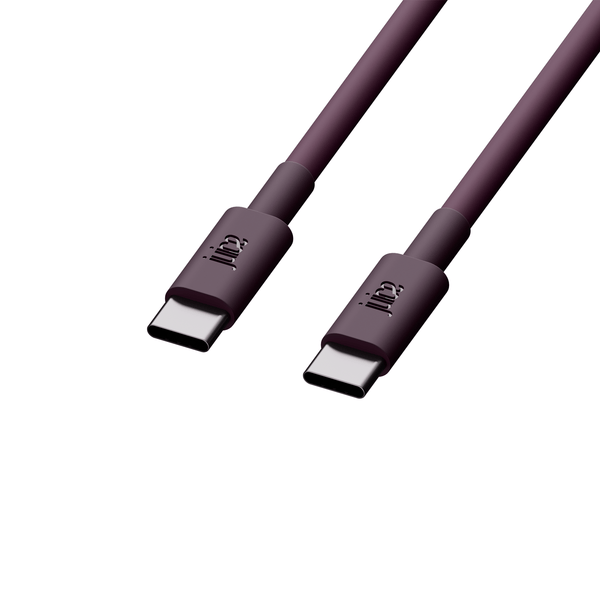
A 1m USB-C to USB-C cable. No plug.
If it’s a USB-C plug (the small oval socket), yes, at its own pace. If it’s the old white cube with a USB-A socket, it needs a USB-A to USB-C cable, and it’ll be slow. Lightning cables from older iPhones won’t fit.
| How you charge it | iPhone 18 Pro and Pro Max |
|---|---|
| 60W-capable plug with Adjustable Voltage Supply and a 60W cable (our 65W GaN plug and 1m cable) | Up to 50% in around 15 minutes |
| Apple’s MagSafe Charger with a 35W plug or higher (our 35W or 65W plug) | Up to 25W, up to 50% in 30 minutes |
| Our MagTec power banks and 3-in-1 stand | Up to 7.5W by magnet: a steady top-up |
Charging times are Apple’s own figures. A smaller USB-C plug still charges it, just more slowly.
The iPhone 18 Pro has MagSafe, so magnetic power banks and stands snap onto the back. The honest bit: ours charge by magnet at up to 7.5W. That’s a top-up you wear, not a race, and we’d rather you knew before you buy.

£29.99£49.99
From £12.74£14.99
£18.74£24.99
From £37.49£49.99
A USB-C plug with USB Power Delivery. How many watts depends on your iPhone: 18W or more for iPhone 16 and earlier, 20W for iPhone 17e and iPhone Air, 40W…

Most of the time it’s the cable, the plug or fluff in the port. Try a different plug and cable, clear the port, restart the phone and give it half…

Unplug everything, tap your iPhone gently against your hand with the port facing down, and leave it somewhere dry with some airflow. Try charging after at least 30 minutes; it…